Universal remotes

How can we assist you?

Looking for your setup code?

Find your setup code in 3 easy steps

Find your setup code

Find your product

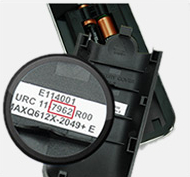
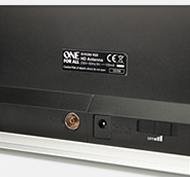
Where can I find my product number?
  • On the inside of the battery door of your One For All remote control
  • On the back or bottom of your One For All product
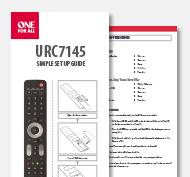
  • On the front of every original One For All manual
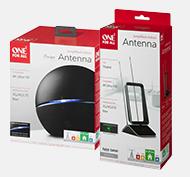
  • On the original One For All packaging
Product catalog

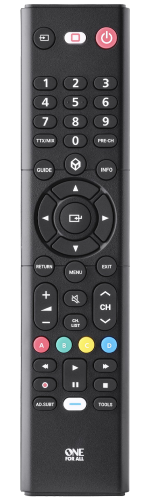
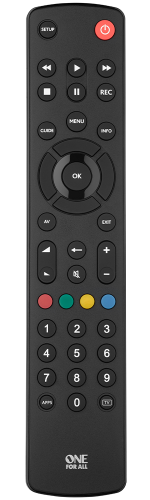
  • URC1310 Main image
    URC 1310

    Samsung TV Replacement remote

    1 device
    • No setup required
    • Works with all types of Samsung TV's
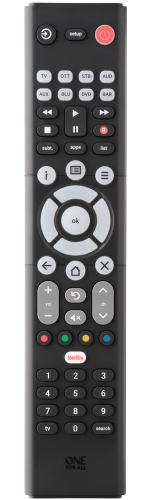
  • URC1282_product
    URC 1282

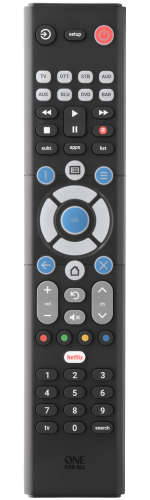
    Essence 8 Basic

    8 devices
    • Combines 8 remotes into 1
    • Easy Setup in 3 simple steps
    • Learning feature
    • App Shortcut key
  • URC1281_mani
    URC 1281

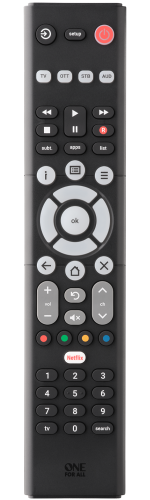
    Essence 8

    8 devices
    • Combines 8 remotes into 1
    • Easy Setup in 3 simple steps
    • Learning feature
    • App Shortcut key
  • URC1242_product
    URC 1242

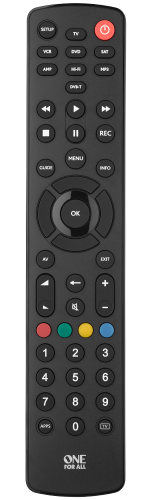
    Essence 4 Basic

    4 devices
    • Combines 4 remotes into 1
    • Easy Setup in 3 simple steps
    • Learning feature
    • App Shortcut key
  • URC1241_main
    URC 1241

    Essence 4

    4 devices
    • Combines 4 remotes into 1
    • Easy Setup in 3 simple steps
    • Learning feature
    • App Shortcut key
  • URC1212_product
    URC 1212

    Essence TV Basic

    1 device
    • Ready for your Samsung TV remote. No setup required
    • Easy Setup in 3 simple steps
    • Learning feature
    • 100% Single use plastic free packaging
  • URC1211_main
    URC 1211

    Essence TV

    1 device
    • Ready for your Samsung TV. No setup required
    • Easy Setup in 3 simple steps
    • Learning feature
    • 100% Single use plastic free packaging
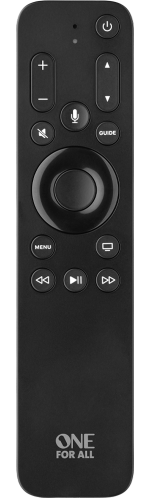
  • URC1110 Main (new)
    URC 1110

    One For All Apple TV Remote

    3 devices
    • 3-device support (TV, Apple TV, Audio)
    • Siri voice control
    • Motion-activated backlight
    • 100% Compatible with Apple TV HD and 4K
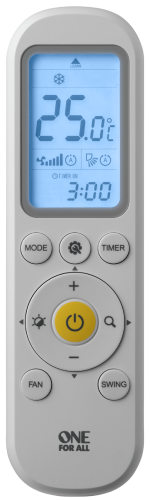
  • URC1045_Maaain
    URC 1045

    Universal Aircon Remote

    1 device
    • Learn functions from any remote
    • Easy setup 3 simple steps in less than 30 seconds
    • Timer On / Off Function
    • Backlit Screen

FAQ's

Get local support